Find anything in your media.
100% offline.
Fyndarium indexes your photos, videos and audio with AI that runs entirely on your own PC: every spoken word, every face, every scene, every sound. Search a decade of files in seconds. Your files are never uploaded.
Free for 14 days, no card. We email you the download link. Buy when it suits you: $179, once.
Windows app · local AI models · about 210 MB
-
 interview-master-cut.mp4
Spoken at 0:28 — “…it was the best decision I ever made”
0:28
interview-master-cut.mp4
Spoken at 0:28 — “…it was the best decision I ever made”
0:28
-
 podcast-ep-112.m4a
Spoken at 41:07 — “…honestly, the best decision I ever made…”
41:07
podcast-ep-112.m4a
Spoken at 41:07 — “…honestly, the best decision I ever made…”
41:07
Search your entire library by what’s in it
-

Spoken words
Every video and recording is transcribed on your PC. Search “quarterly numbers” and jump to the second it was said.
-

People
Name a face once and Fyndarium finds them across your whole library, even in clips you forgot existed. Voices too.
-
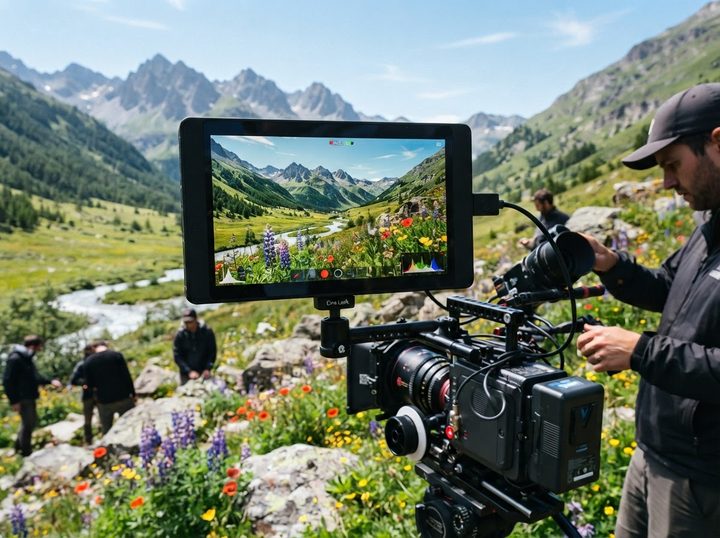
Scenes
Describe what the camera saw: “sunset over water”, “whiteboard with diagrams”, “kids in the garden”.
-
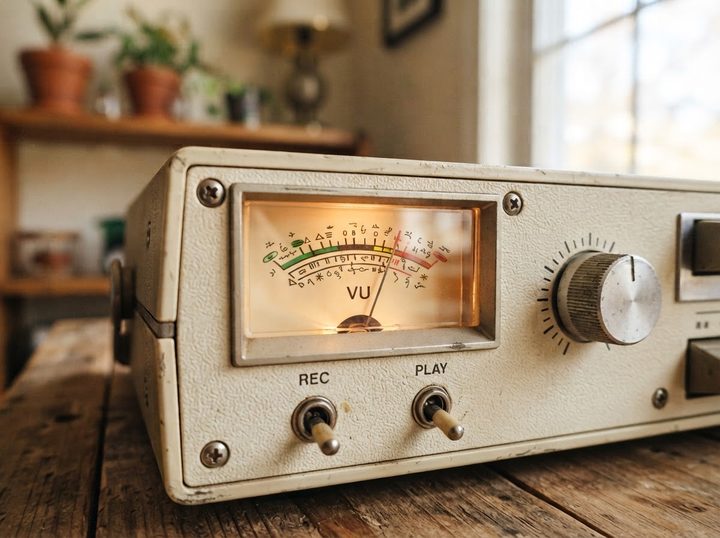
Sounds
Find applause, breaking glass, birdsong or an engine revving. No transcript needed.
-

Text on screen
Slides, signs, captions and documents inside photos and videos are read and indexed, searchable like any note.
-
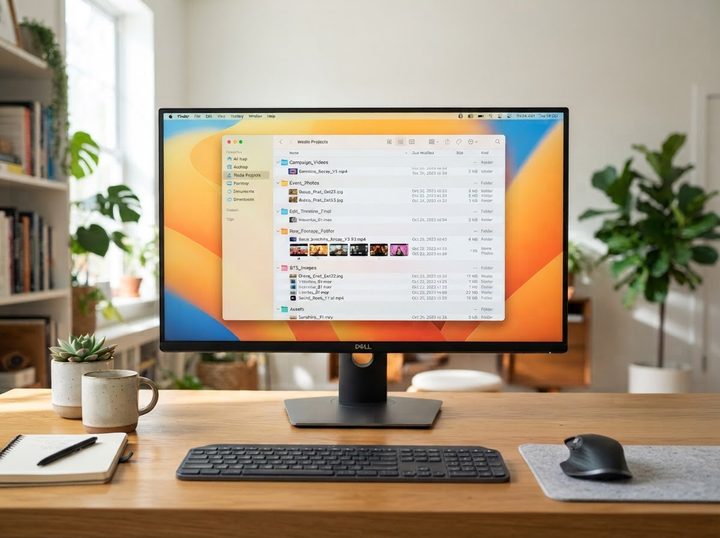
The boring stuff, too
File names, folders, dates, locations. Combine them: videos of Alex, last summer, with applause.





Open a video.
See everything inside it.
Every file gets a timeline of what Fyndarium found: who speaks when, what was said, what’s on screen, which scenes and sounds occur where. Click any moment to jump there. Export the clip, or the transcript as text, subtitles or a spreadsheet.
Offline is not a mode.
It’s the architecture.
The AI models download during setup, from official sources. After that they run on your own processor and graphics card. Indexing happens on your machine. Search happens on your machine. Your files, your transcripts and your face data never leave it.
Unplug the network cable and every search still works.
- Uploads
- None. Ever.
- Cloud account
- None to create.
- Telemetry
- None to opt out of.
Fyndarium searches DEEP
The search box looks simple. Underneath it, several engines answer at once — a language model, a vision model, face and voice recognition — all running on your PC.
-
Smart search
Type a plain sentence. A local language model reads the who, when and what out of it and builds the filters for you — no search operators to learn.
-
Search with an image
No words needed: drop in any picture — a frame, a screenshot, a phone photo — and Fyndarium finds the visually similar files across your whole library.
-
Find similar scenes
Found one good moment? One click surfaces scenes like it in every other video — the same stage, the same beach, the same whiteboard.
-
AI descriptions
A local vision model writes a description of every photo and video scene. Each one is searchable — and exportable as XMP sidecars that Lightroom and other pro tools read.
-
Who said what
Transcripts aren’t just text — every line knows its speaker. Search a phrase, see who said it, and jump to the exact second it was spoken.
-
Duplicate finder
Bursts, backups and near-identical shots surface together as one group, so you keep the best take and know where the copies live.





For editors: Fyndarium inside Premiere Pro
A panel in Adobe Premiere Pro puts the whole library search next to your timeline — and drops the exact moment you find onto it.
-
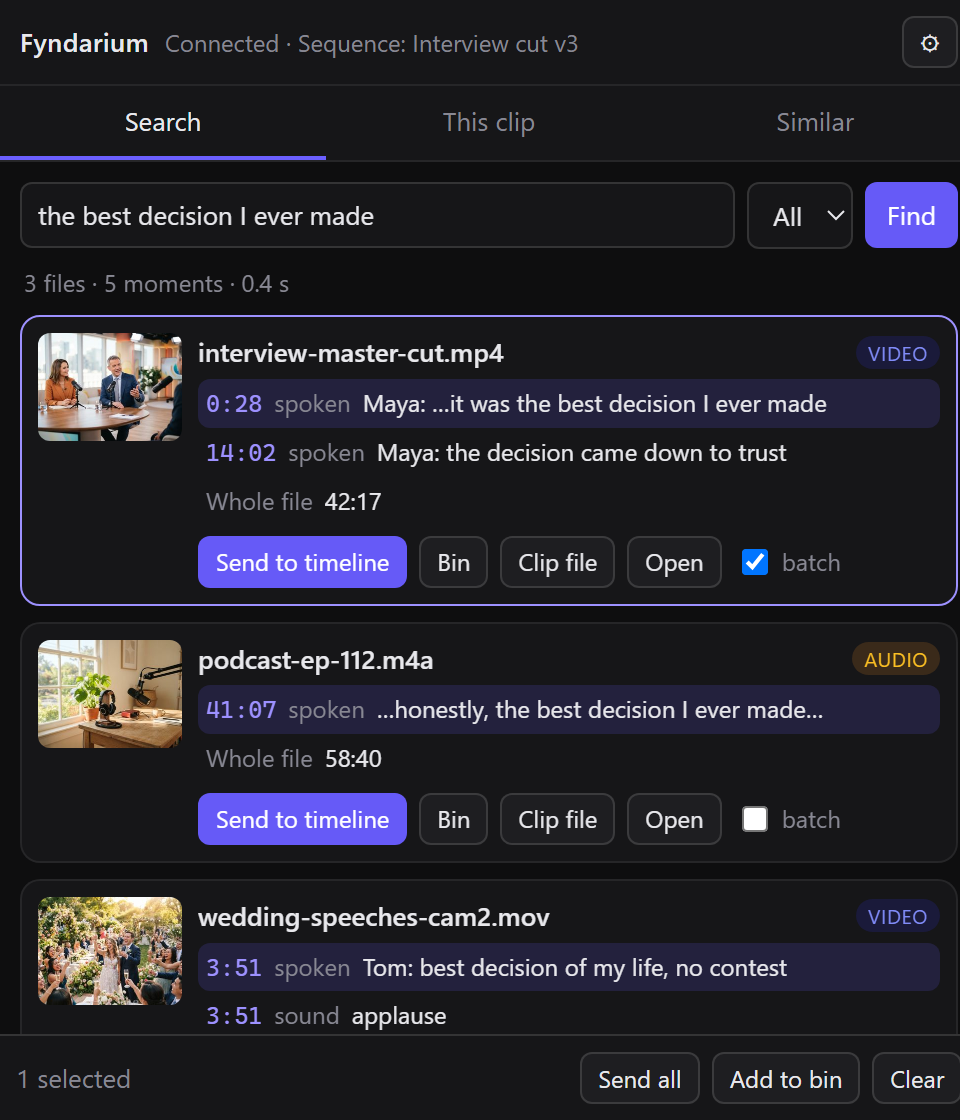
Search from the timeline
Open the Fyndarium panel and search the way you do in the app — spoken words, people, scenes, sounds — and see why each result matched.
-
Send the moment, not the file
One click places the matched part of the original clip on the timeline at the playhead: in and out points or a named subclip, with the match text as a sequence marker. Handles intact, nothing re-encoded.
-
Search inside what’s selected
Search only the clips selected in the Project panel, or find scenes like the one under the playhead across your whole library.
Windows · Adobe Premiere Pro 2020 or later · part of Fyndarium Care, which is free for your first year and active during the trial.
Your media already has the answers.
Get the looking glass: Fyndarium.
Free for 14 days, no card. Buy when it suits you.
Questions, answered plainly
Is it really 100% offline?
Yes — indexing and search run entirely on your PC, and your files, index and searches never leave it. The only network connections are ones you start or allow: downloading the AI models during setup, a small update check when Fyndarium starts (on by default; you can turn it off in Settings), and a one-time license activation that sends only your license key and an anonymous machine code. After that, Fyndarium works with no internet connection at all.
What do I need to run it?
A Windows PC. A dedicated graphics card makes indexing much faster, but Fyndarium ships lighter model options for modest machines and measures your hardware honestly during setup before recommending anything.
What kinds of files does it understand?
The common photo, video and audio formats. Videos and recordings get transcripts, speaker timelines, scene detection and sound search; photos get people, scenes and text recognition.
Do my files get modified?
No. Fyndarium reads your files and builds its own index next to them. Your originals are never touched, moved or re-encoded.
When can I use it?
Now. Download the free trial, run the installer and search your own library for 14 days — no card; we email you the download link. When it suits you, buy a license ($179, one-time) and enter the key under Settings → License; everything you indexed stays.
Does it work with Premiere Pro?
Yes. A Fyndarium panel inside Adobe Premiere Pro (2020 or later, on Windows) searches your library and places the matched part of the original clip on the timeline, with in and out points and a marker. The panel is part of Fyndarium Care — free for your first year with a license, and on during the trial.